
Choose the pack contract
Pick Raid, Cave, Lobby, Environment, or Loot before authoring. The type controls required files, settings, and readiness checks.
Creator Operations Manual
A first-pass field manual for building RaidCreator packs: what the builder exports, how anchors and readiness work, and where community prefab publishing fits today.
Overview
RaidCreator is a web-based 3D authoring tool for the EnderRaids Rust plugin. Its job is to produce validated, folder-based packs that the plugin can read from disk. The web app is not a runtime dependency.
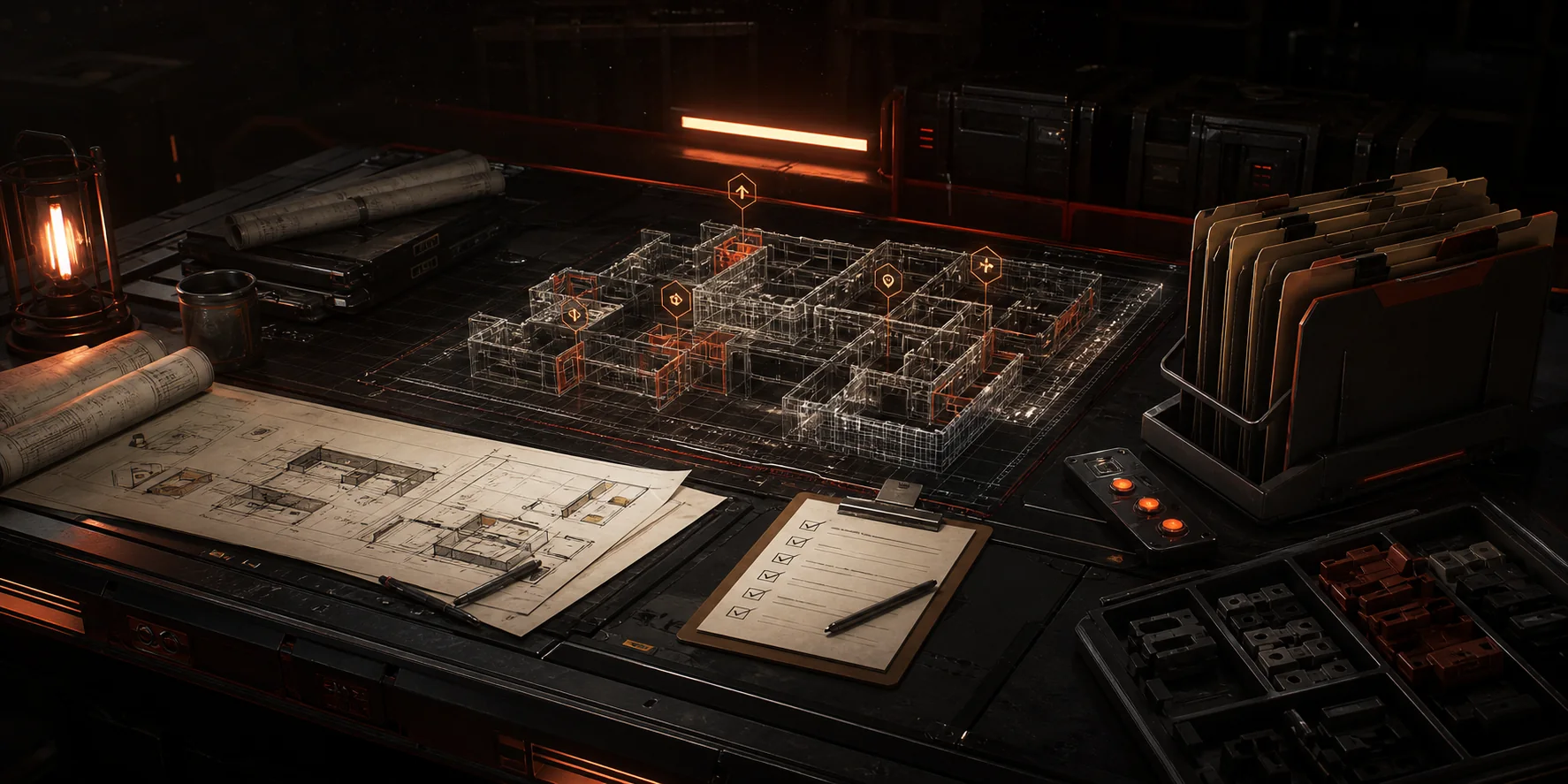
Pick Raid, Cave, Lobby, Environment, or Loot before authoring. The type controls required files, settings, and readiness checks.
Use the catalog, Anchors panel, placement snapping, and transform tools to create the layout in the browser workspace.
Save to the Library so the pack can be reopened, duplicated, previewed, thumbnail-captured, exported, or used as publishing source material.
Resolve blocking checks for manifest identity, required anchors, type settings, references, and valid JSON before downloading the pack.
Download pack folders as local ZIPs. Community publishing is currently scoped to reusable User catalog prefab groups, not full pack bundles.
Builder basics
The builder workflow is an editor workflow first: place objects, tune transforms, save the draft, then run readiness before export.
Place Rust prefabs from categorized catalog entries, including building pieces, deployables, doors, traps, turrets, storage containers, signs, effects, and saved User prefab groups.
Catalog click starts placement, drag-and-drop places directly into the 3D workspace, and control-drag supports repeat painting for clear horizontal or vertical strokes.
Use selection, gizmo translation/rotation, grid snapping, rotation snapping, snap bypass, and camera controls to tune authored positions without changing the export contract.
Saved Library drafts retain manifest data, type settings, layout entities, anchors, NPC/vendor data, and preview thumbnail state where available.
Library packs can be reopened for editing, duplicated, previewed, downloaded as ZIPs, or checked against same-difficulty route and loot context warnings before export.
Pack types
Raid, Cave, Lobby, Environment, and Loot packs do not export the same files. Choosing the type up front keeps readiness messages specific.
Terminal encounter space for the actual raid objective.
Completion rule, raid boundary, manifest identity, and layout content.
Pack.Connector.Entrance, tagged storage containers for loot markers, optional npcSpawn anchors.
manifest.json, layout.json, raid.json, optional npc.json.
World-to-instance entry and claim space.
Spawn config, `portalAnchorId`, claim boundary, and layout content.
portal_anchor and claim_anchor. Caves do not use the Pack.Connector.* chain.
manifest.json, layout.json, cave.json, optional npc.json.
Safe staging area before an environment or raid route.
Spawn points, lobby boundary, vendor config, and layout content.
Pack.Connector.Exit, vendor_anchor, at least one spawn point, optional enderchest_anchor.
manifest.json, layout.json, lobby.json, vendor.json.
Bridge segment between lobby and raid.
Environment boundary, manifest identity, and layout content.
Pack.Connector.Entrance, Pack.Connector.Exit, optional npcSpawn anchors.
manifest.json, layout.json, environment.json, optional npc.json.
Difficulty-aligned reward data for storage containers and NPC drops.
Fixed Standard, Rare, and Elite pools each need at least one item. NPC Drops are optional.
None. Loot packs are data-only and never include layout.json.
manifest.json, loot.json.
Anchors and connectors
Spatial route packs snap together through formal connector anchors. Cave entry is separate: it uses a portal anchor into the instanced route, not the Pack.Connector.* chain.
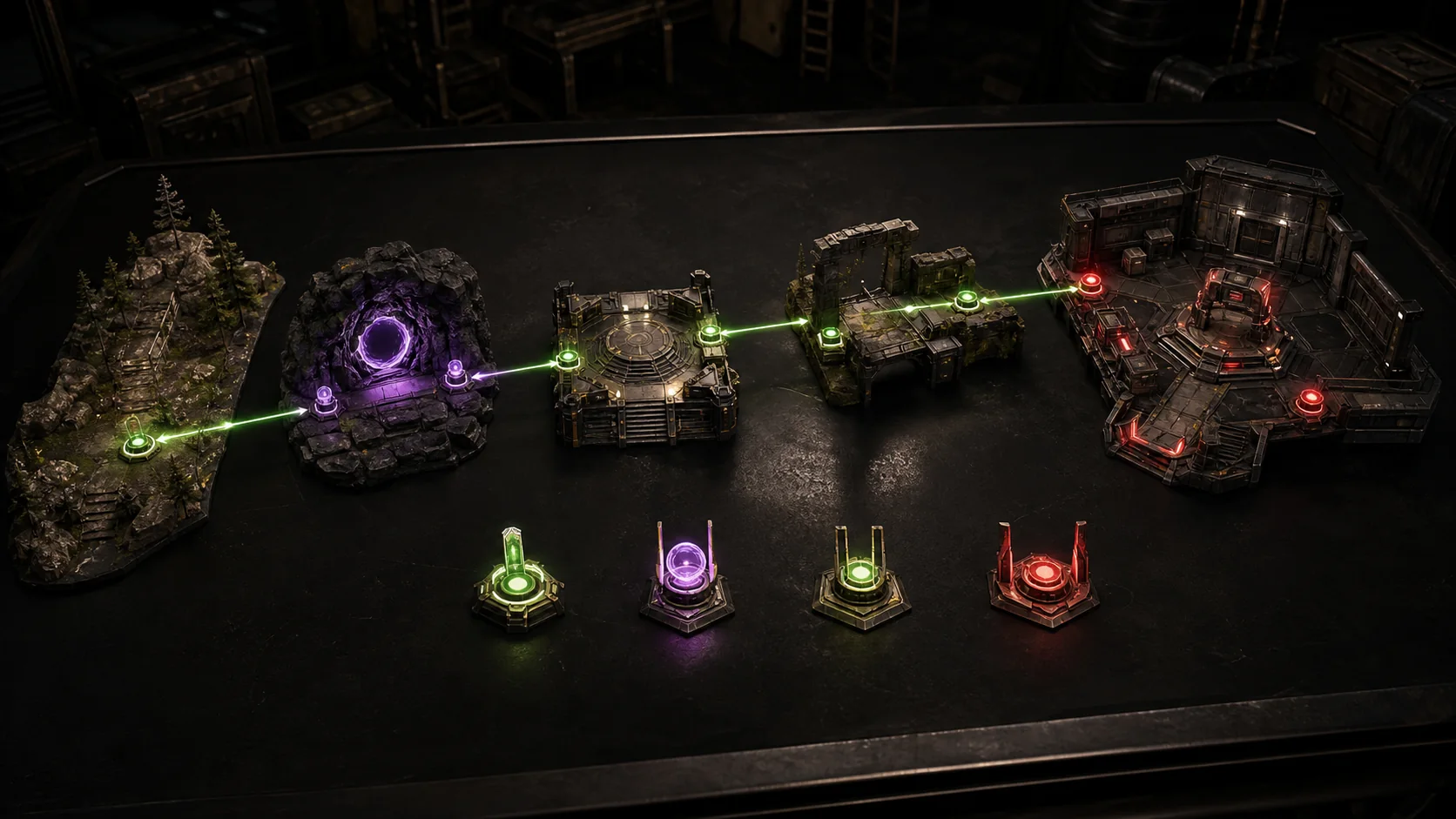
Requires Pack.Connector.Exit where the Environment attaches.
Requires Pack.Connector.Entrance from Lobby and Pack.Connector.Exit toward Raid.
Requires Pack.Connector.Entrance where the Environment attaches.
Uses portal_anchor and claim_anchor; it is outside the connector chain.
Readiness validation
Readiness exists so creators see contract problems in the builder instead of discovering broken pack files after installing them on a server.
easy, normal, hard, or expert.Pack.Connector.* anchors are present for Lobby, Environment, and Raid packs.portalAnchorId resolves to a portal_anchor in the same layout.json.Export shape
Exported packs are native folder-based content. The folder name must match manifest.json id exactly, and file names are fixed by pack type.
EnderRaids/
Content/
Raids/
<packId>/
manifest.json
layout.json
raid.json
npc.json optional
Caves/
<packId>/
manifest.json
layout.json
cave.json
npc.json optional
Lobbies/
<packId>/
manifest.json
layout.json
lobby.json
vendor.json
Environments/
<packId>/
manifest.json
layout.json
environment.json
npc.json optional
Loot/
<packId>/
manifest.json
loot.jsoncamelCase and stable string IDs for named objects.{ x, y, z } vector objects.import-meta.json; that file is importer-generated only.Community publishing
Community publishing is useful, but it is deliberately narrower than pack export. Today it centers on public snapshots of reusable User catalog prefab groups.
Publish from User catalog groups when a reusable building segment is ready for other creators. Full pack and bundle publishing stay out of scope for this first-pass docs page.
Publishing captures a stored thumbnail and camera framing so community cards can browse quickly without regenerating previews passively.
Use concise creator-entered tags and descriptions to explain the prefab group. Tags help browsing, but they should not stand in for a clear name and thumbnail.
Adding a published prefab imports the latest snapshot into the Builder User catalog. Imported copies do not silently auto-update when the original creator publishes again.
Troubleshooting
Start with the readiness message or publish error. Most failures are missing references, missing required type settings, or an unsupported assumption about what the current web app exports.
Pack.Connector.Entrance or Pack.Connector.Exit, then set its facing rotation intentionally.cave.json.portalAnchorId does not resolve to a portal_anchor inside the same layout.json.Pack.Connector.* chain, and rerun readiness.vendor.json binds to an anchor, but the vendor NPC entity must also exist in the Lobby layout.layout.json; vendor.json only defines appearance metadata.Next steps
Use this page as the central field manual, then jump to the route that matches the next creator task.
Use guided workflow pages when you want a narrower how-to path.
Use the public support page when readiness messages or publish flows do not explain the issue.
Check shipped work, planned candidates, and production-hardening context.
Browse published prefab groups and creator surfaces.
