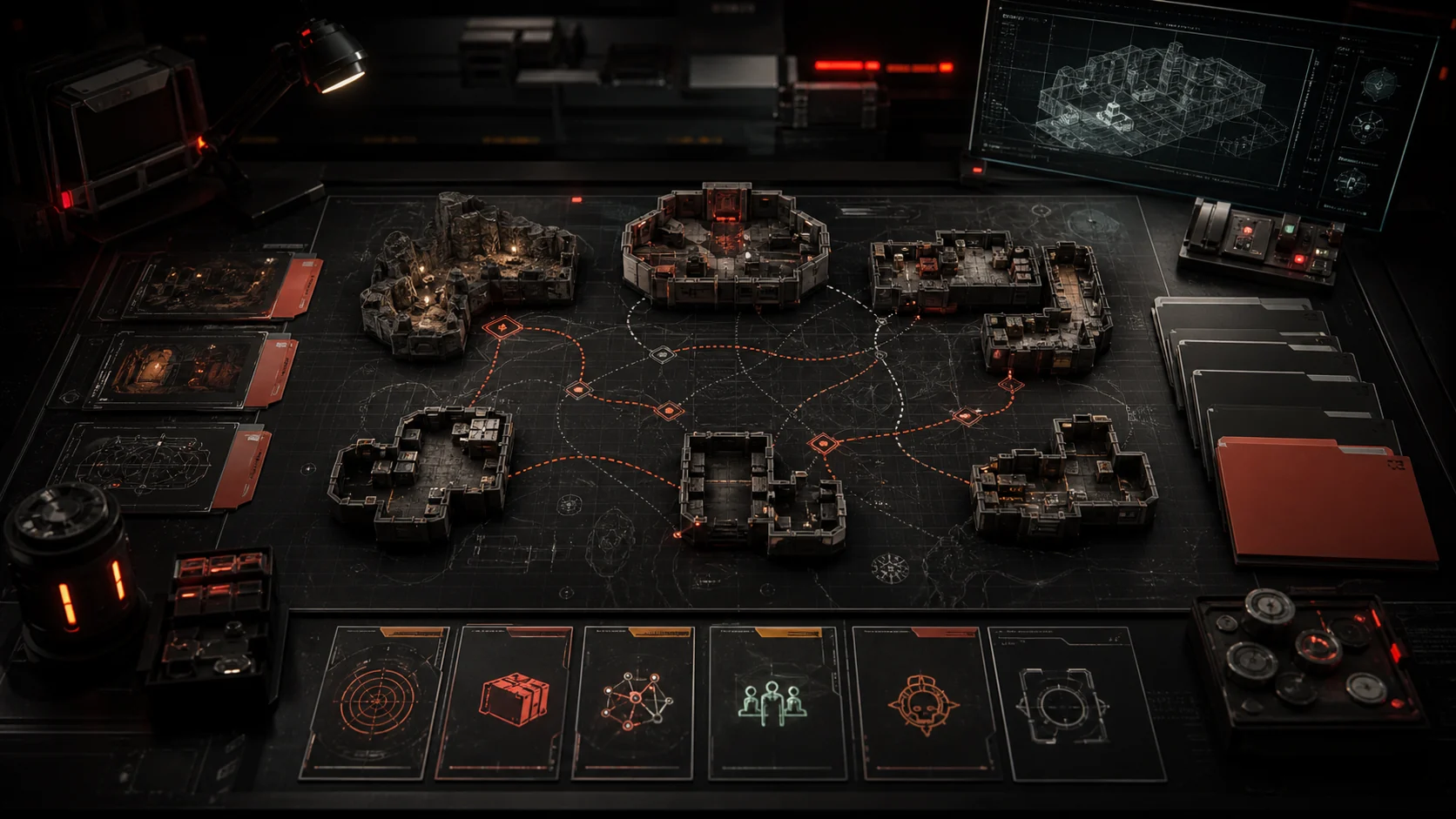
Creator Training

Tutorials

Mission briefings for RaidCreator workflows: what to build first, which objectives matter, how to recover when readiness fails, and where the deeper field manual takes over.

Documentation is the field manual. Tutorials are the mission briefing layer.

Mission board intro

Pick the briefing before the manual chapter.

The documentation page explains contracts in detail. This page turns the same grounded app behavior into training paths: objectives, success conditions, and related docs for the creator task in front of you.

Tutorial tracks

Six mission briefs for creator workflows.

These are static public-page tracks. They introduce the mission concepts the editor can later execute interactively, without claiming live XP or saved mission progress here.

01
Beginner operatorFuture editor XP mission

First Raid Pack

First raid pack mission briefing for creating a small, exportable Raid layout without jumping into the full field manual.

Objectives

  • Create a Raid pack from the Library and give the manifest a lowercase-safe id.
  • Block out foundations, walls, doors, deployables, and a clear completion target.
  • Place Pack.Connector.Entrance where the Environment should attach to the raid.
  • Set the raid boundary and clear readiness messages before export.

Success condition

A saved Raid draft has layout content, required settings, and no blocking readiness messages.
Related docs: Builder basics
02
Route technicianFuture editor XP mission

Connector Recovery

Connector readiness work is the rescue path for packs that cannot join the route chain during export or server assembly.

Objectives

  • Read the readiness message before moving geometry.
  • Use Pack.Connector.Exit for Lobby and entrance plus exit connectors for Environment.
  • Use Pack.Connector.Entrance for Raid and keep Cave portal anchors separate.
  • Rotate each connector to match the intended player-facing direction.

Success condition

Lobby, Environment, and Raid packs expose the formal route anchors the runtime needs to align them.

Related docs: Anchors and connectors
03
Reward planner

Loot And Rewards

Loot containers and Loot packs work together: containers identify reward points while Loot packs hold the difficulty pools.

Objectives

  • Place supported storage containers in a Raid layout.
  • Enable loot metadata on selected containers and choose Standard, Rare, or Elite.
  • Keep Loot packs data-only; do not expect them to export layout.json.
  • Use one Loot pack per difficulty with optional NPC Drops where needed.

Success condition

Raid storage containers can derive loot markers, and the companion Loot pack has valid reward pools.

Related docs: Pack types
04
QA dispatcher

Readiness And Export

Treat export as the final gate. Readiness tells you whether the pack is ready for a local ZIP, not just visually complete.

Objectives

  • Fix blocking readiness items before downloading a ZIP.
  • Review warning-only same-difficulty route and loot companion context.
  • Confirm folder names match manifest.json ids exactly.
  • Check that each pack type exports only the files its contract allows.

Success condition

The exported ZIP contains the expected folder structure and no unresolved same-pack references.

Related docs: Readiness validation
05
Creator publisherFuture editor XP mission

Publish A Community Prefab

Publish a prefab only when the reusable User catalog group is ready; this is not full pack publishing or live editor mission progress.

Objectives

  • Select a reusable custom prefab group that is worth sharing.
  • Review name, description, creator tags, entity count, bounds, and thumbnail framing.
  • Use creator-written tags to explain the prefab instead of relying on generated facets.
  • Publish only when the stored snapshot is the version other creators should import.

Success condition

A public community prefab listing has a clear thumbnail, useful creator copy, and a current snapshot.

Related docs: Community publishing
06
Field remixer

Import Community Prefabs

Importing adds a published prefab snapshot to your private catalog so it can be reused inside your own packs.

Objectives

  • Browse Community and inspect the prefab detail or 3D preview before importing.
  • Add the prefab to your catalog from the public action controls.
  • Place it as a reusable group in your own builder workspace.
  • Use the update-import flow when a creator publishes a newer snapshot.

Success condition

The imported prefab is available in your User catalog without pretending to be a live-linked source record.

Related docs: Community publishing
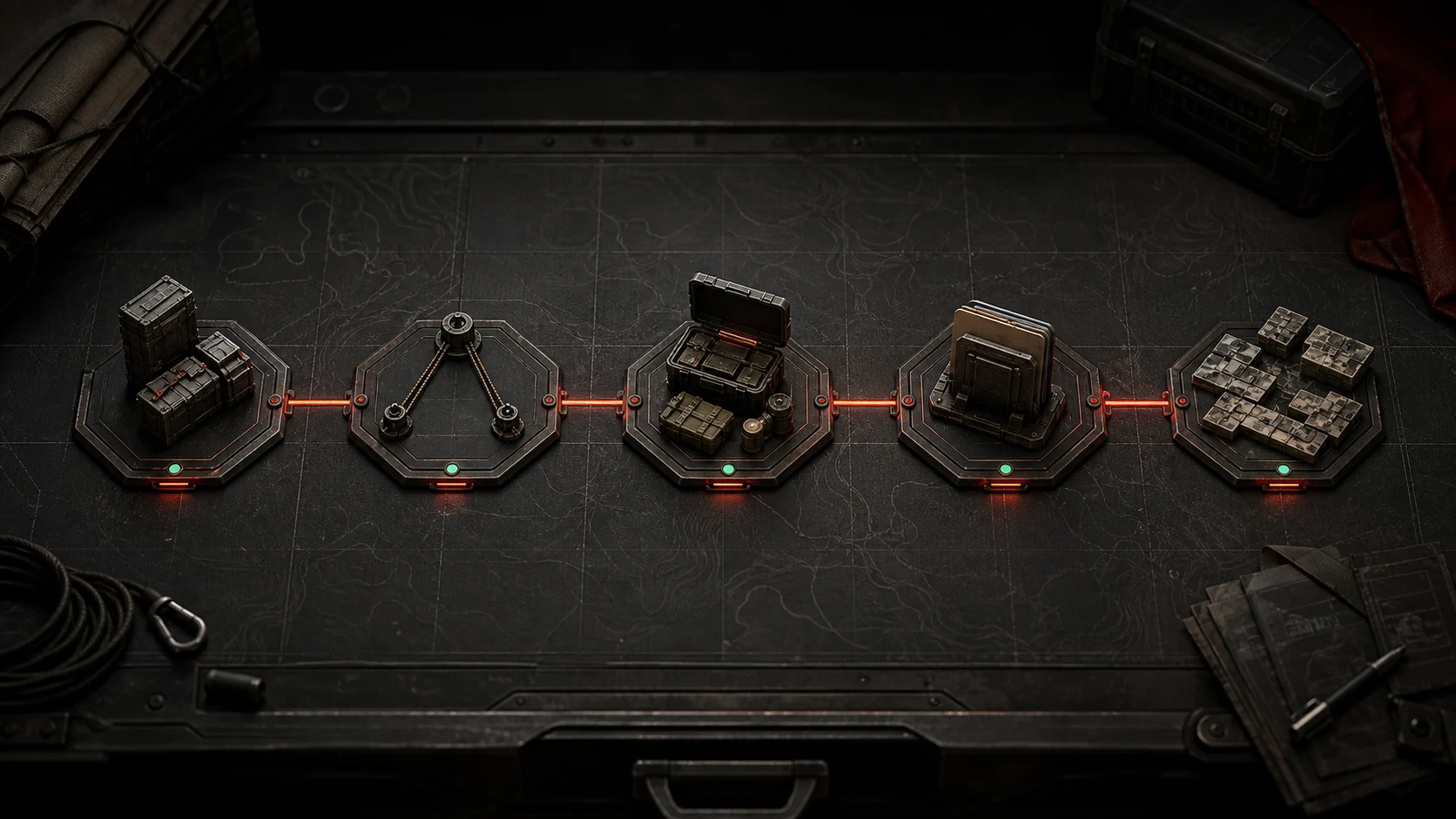
Cinematic five-step RaidCreator training route map.

Recommended path

Start with a working raid, then widen the route.

A beginner should prove one pack can pass readiness before adding rewards, export review, or community publishing.

  1. 01

    First Raid Pack

    Clear this objective before advancing to the next briefing.

  2. 02

    Connector Recovery

    Clear this objective before advancing to the next briefing.

  3. 03

    Loot And Rewards

    Clear this objective before advancing to the next briefing.

  4. 04

    Readiness And Export

    Clear this objective before advancing to the next briefing.

  5. 05

    Community Publishing

    Publish reusable prefab groups only after the source snapshot is worth importing.

Troubleshooting missions

Short recovery cards, not duplicate docs.

These cards point back to the field manual or support page so the public tutorials route stays focused on triage and next action.

Editor XP note

Public briefings now, interactive execution later.

Future editor XP missions

XP belongs in a later in-editor tutorial system where the app can observe actions, mission state, and success conditions directly.

No fake progress here

This static route does not award XP, track completion, create tutorial tables, or store user mission state.

Next objective

Use the manual when the mission card names the problem.

The fastest path is mission brief first, documentation second, support only when the app state needs a closer look.