Support Operations

Support

Triage for account access, builder readiness, export handoff, community publishing, and Discord support tickets. Identify the problem type, capture the right evidence, then move to the next useful route.

Documentation is the field manual. Tutorials are mission briefings. Support is the triage desk.

Triage board

Classify the issue before choosing a fix.

Start with the lane that matches the user-visible symptom. Each lane names what it covers, what to check first, what evidence to capture, and the next route that usually resolves the issue fastest.

01

Account and sign-in

Access state, profile display, account menu behavior, notifications, and public actions that require authentication.

Check first

  • Confirm whether the page is signed in or signed out in the topbar.
  • Return to the same public route after signing in.
  • Compare the visible name, handle, avatar, and account menu state.

Evidence to capture

  • Signed-in or signed-out state
  • Which route or community action asked for sign-in
  • Screenshot of the topbar/account state
Use this support anchor
02

Builder readiness

Pack contract blockers such as missing anchors, unresolved references, missing type settings, empty layouts, or loot metadata gaps.

Check first

  • Read the first blocking readiness message literally.
  • Confirm the pack type before moving anchors or changing JSON.
  • Check the field manual for pack-specific requirements.

Evidence to capture

  • Pack type and readiness message
  • Missing anchor or referenced id
  • Screenshot of the readiness panel
Documentation: readiness
03

Export and server handoff

Local ZIP output, folder names, manifest ids, JSON file shape, and the boundary between web export and Rust server install.

Check first

  • Confirm the folder name matches manifest.json id exactly.
  • Confirm the pack type exported only the expected JSON files.
  • Keep server deployment separate from the web export page.

Evidence to capture

  • Exported folder tree
  • manifest.json id and folder name
  • Any blocked export or file-shape warning
Documentation: export shape
04

Community publishing and imports

Published prefab snapshots, stored thumbnails, creator tags, reports, imports, and update-to-latest behavior.

Check first

  • Confirm the source is a reusable User catalog prefab group.
  • Use save or publish flows for thumbnails; passive browsing should not regenerate them.
  • Treat imported prefab groups as snapshots, not live-linked source records.

Evidence to capture

  • Community listing or import state
  • Thumbnail context
  • Whether the action happened in Community or the Builder
Open Community

Readiness evidence desk

Capture the signal that narrows the problem.

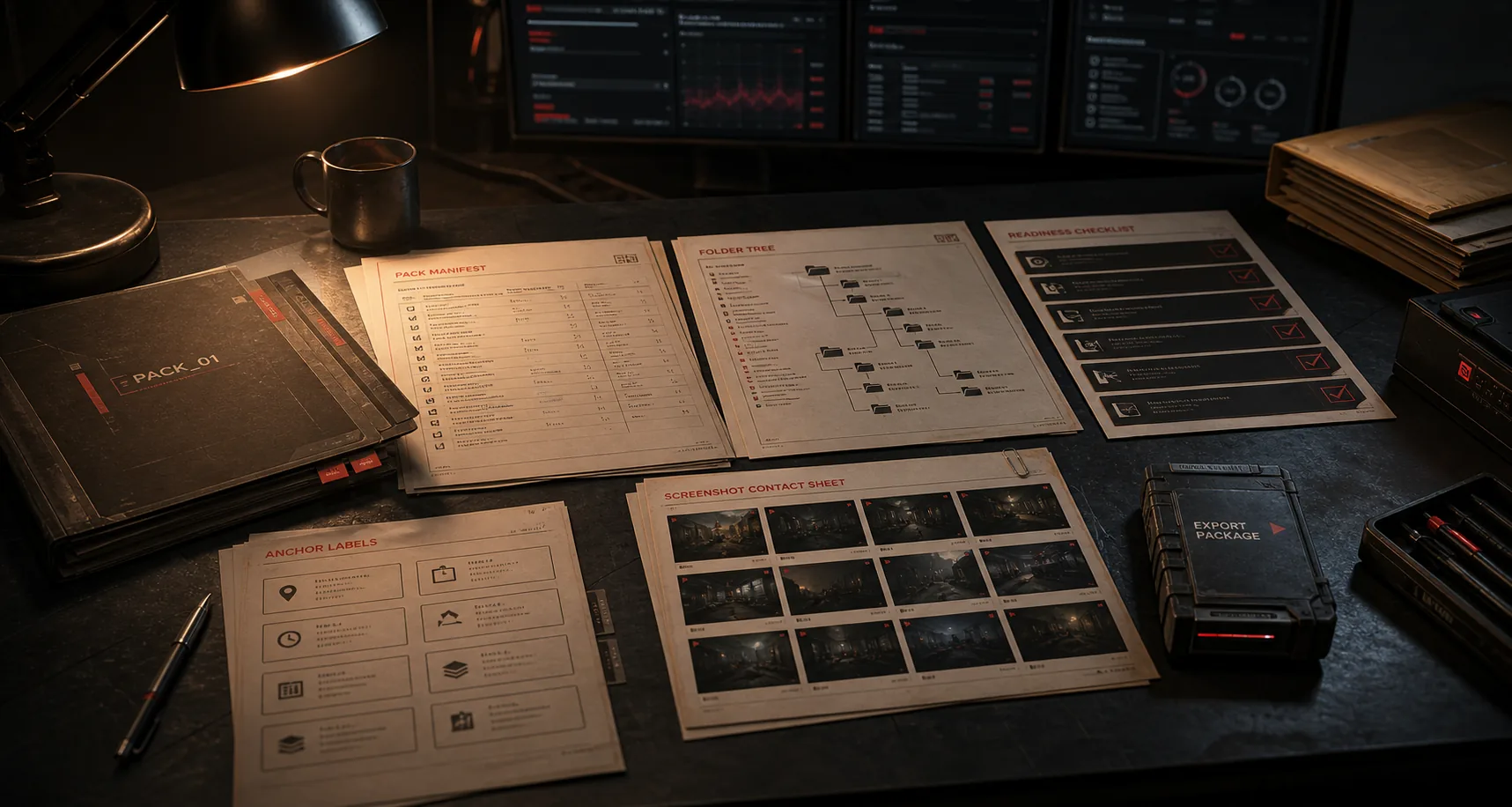
Good evidence keeps support focused on the app state instead of guessing. This is guidance only: no upload form, ticket table, or backend submission exists on this static page.

Cinematic RaidCreator evidence desk with pack folders, manifest pages, folder tree notes, readiness checklist, and thumbnail context.

Pack type

Raid, Cave, Lobby, Environment, Loot, or community prefab group.

Readiness message

Copy the first blocking message before changing the scene.

Manifest id / folder name

Capture both values when export or install shape is involved.

Missing anchor name

Include the exact connector, portal, vendor, spawn, or referenced anchor id.

Export file shape

Show the ZIP folder tree and the generated JSON file names.

Listing or import state

Note whether this is a source group, public listing, private import, or update prompt.

Screenshot or thumbnail context

Capture the page, modal, thumbnail, or preview state that made the issue visible.

Issue router

Match the symptom to the next action.

These cards do not duplicate the field manual. They route common symptoms to documentation, tutorials, Community, or a support anchor where the problem can be described more precisely.

Practical FAQ

Answers grounded in current app behavior.

This FAQ avoids support policies, emails, staff response times, and direct deployment claims. It stays on the browser app behavior visible today and routes ticket intake to Discord.

Should I start in documentation, tutorials, community, or support?

Use documentation for exact pack contracts, tutorials for mission-style workflow guidance, Community for public prefab discovery, and this support page when you need to classify a problem and capture evidence before the next route.

Can a blocked export be diagnosed without the readiness message?

The readiness message is the fastest signal because it names the contract that failed. Capture the first blocker, pack type, and any referenced anchor or file name before asking for help.

Can RaidCreator deploy directly to my Rust server?

No direct server deployment is part of this static support route. The supported web flow is to export the pack ZIP and handle server installation through your normal server process.

Why did an imported community prefab not update automatically?

Imports are snapshots in your private User catalog. When a creator publishes a newer public snapshot, use the update-import flow instead of expecting the imported copy to live-update.

Do I upload files or open a ticket here?

No files are submitted through this page. Use the Discord support link to open a live support ticket, then include the evidence checklist items that match your issue.

Where do I submit a support ticket?

Discord is the support intake route. Join the RaidCreator Discord, open a support ticket there, and include the pack type, readiness message, export shape, or community state that applies.

Discord support desk

Submit support tickets through Discord.

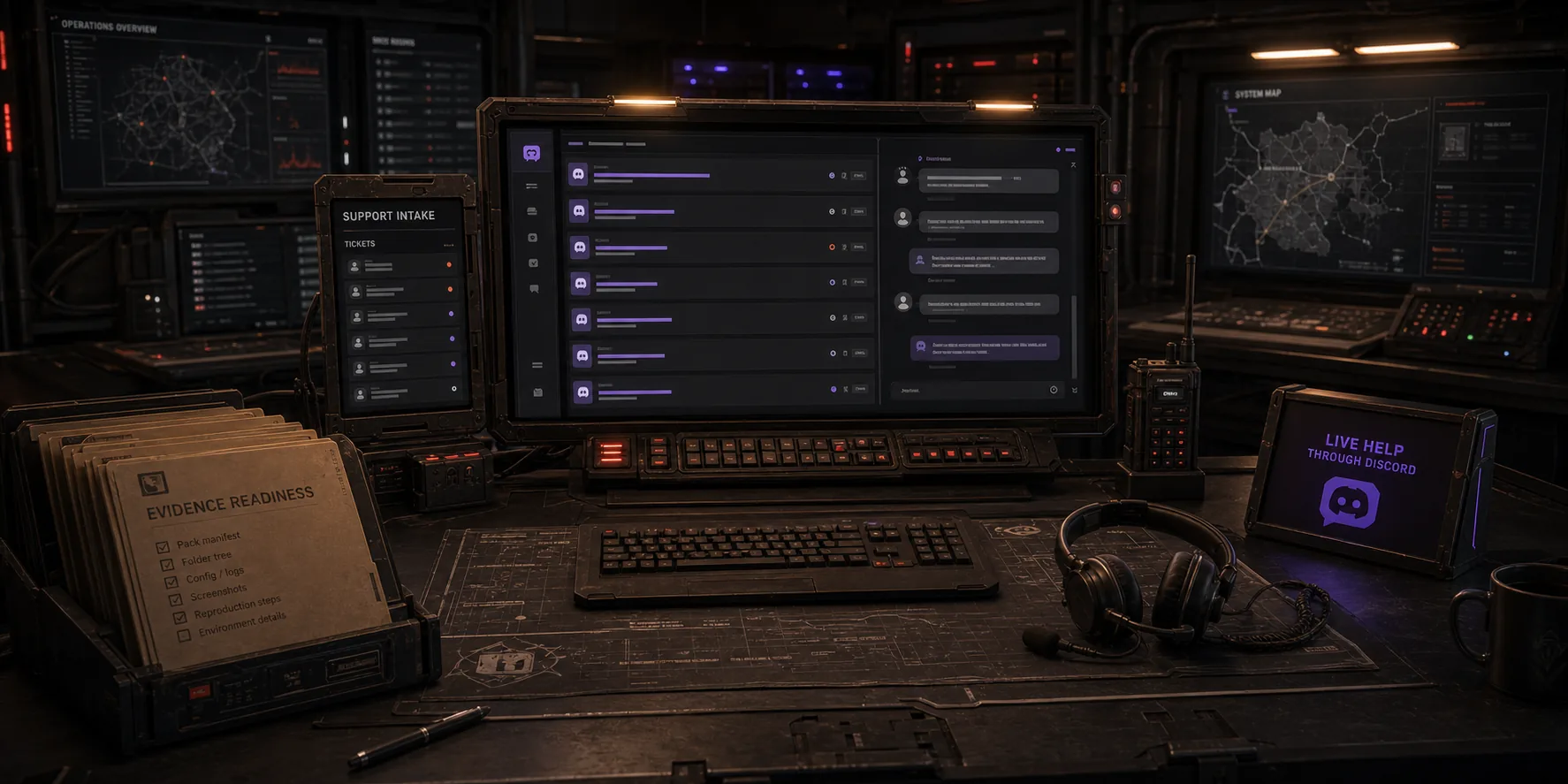
Discord is the live support route for RaidCreator. Use this page to classify the issue and gather evidence, then join Discord to open a ticket with the right context.

Cinematic RaidCreator support desk with Discord support intake, ticket queue screens, evidence folders, and chat hardware.
Discord

Open a ticket

Use Discord when the issue needs live support intake instead of another documentation pass.

Discord

Bring the evidence

Pack type, readiness message, folder shape, anchor name, screenshot, or community import state.

Discord

Keep the route clear

Documentation and tutorials still handle field-manual answers; Discord handles ticket conversation.

Next route

Once the issue is classified, use the route that carries the evidence.

Documentation explains the contract, tutorials explain the workflow, Community handles public prefab discovery, and Discord carries live support ticket intake when the issue needs a conversation.